


MTK SH

05 / Learn / iOS

What I Wanted to Say (WIWS)

Turn what you wanted to say into your own English.

Start with a diary in Japanese, write your own English, then learn from AI corrections, explanations in Japanese, and up to three phrase cards.

Begin with something that happened today. Shape it into what you want to express, then try writing it in English with the words you know. A quiet, paper-inspired journal turns your own experiences into material for learning.

In App Store review

Currently in App Store review. A release date has not been announced.

What I Wanted to Say (WIWS)

At a glance

Category
Learn
Requires
iOS 17.0+
Availability
In App Store review
Download
Free trial; in-app purchases
In-app language
Japanese interface; English learning
Developer
MTK SH

What you can do

  • 01Write about your day in Japanese
  • 02Prepare what you want to express, or use your diary as it is
  • 03Write your own English, with vocabulary hints when available
  • 04Compare AI corrections and read explanations in Japanese
  • 05Review up to three phrase cards from your writing

A look inside

01 — 03
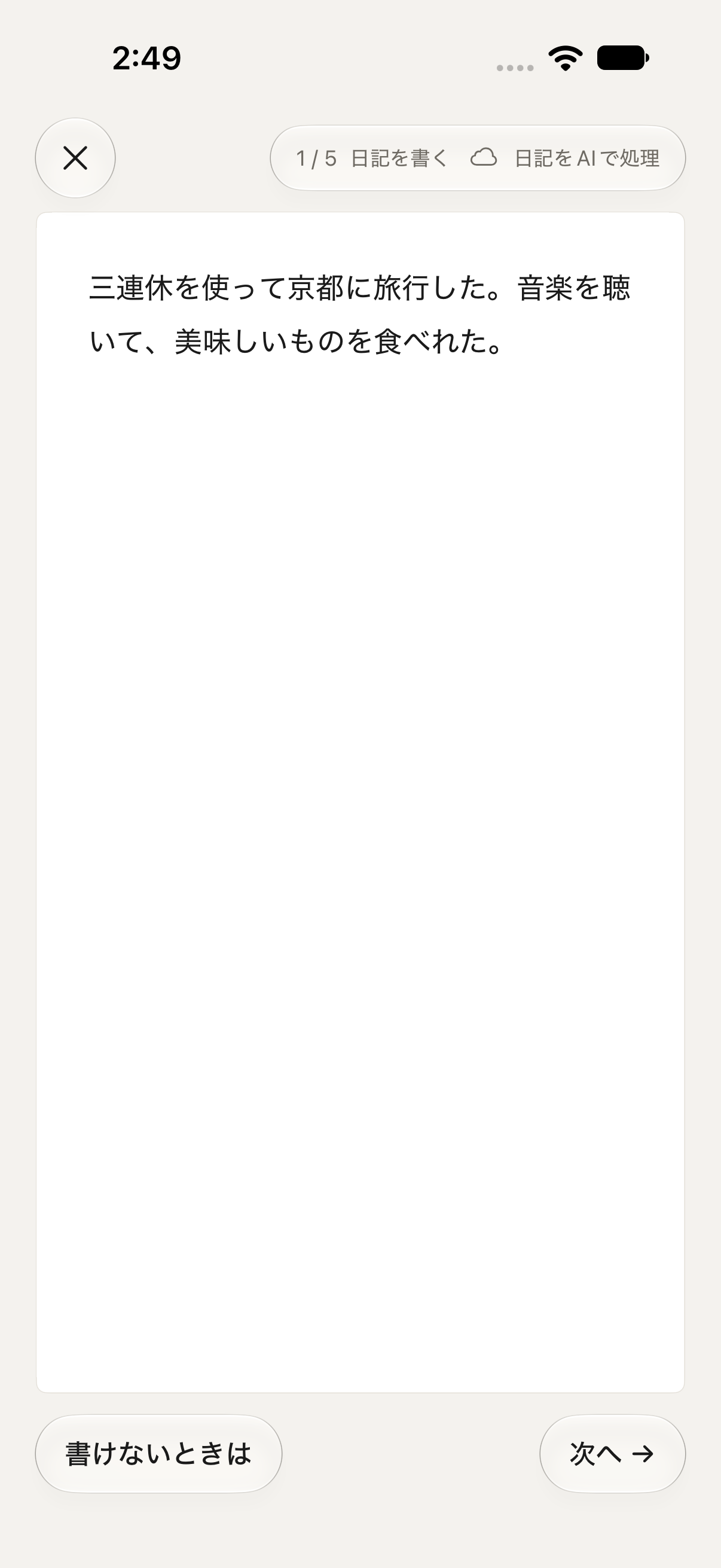
What I Wanted to Say (WIWS) — Write a diary in Japanese
01Write a diary in Japanese
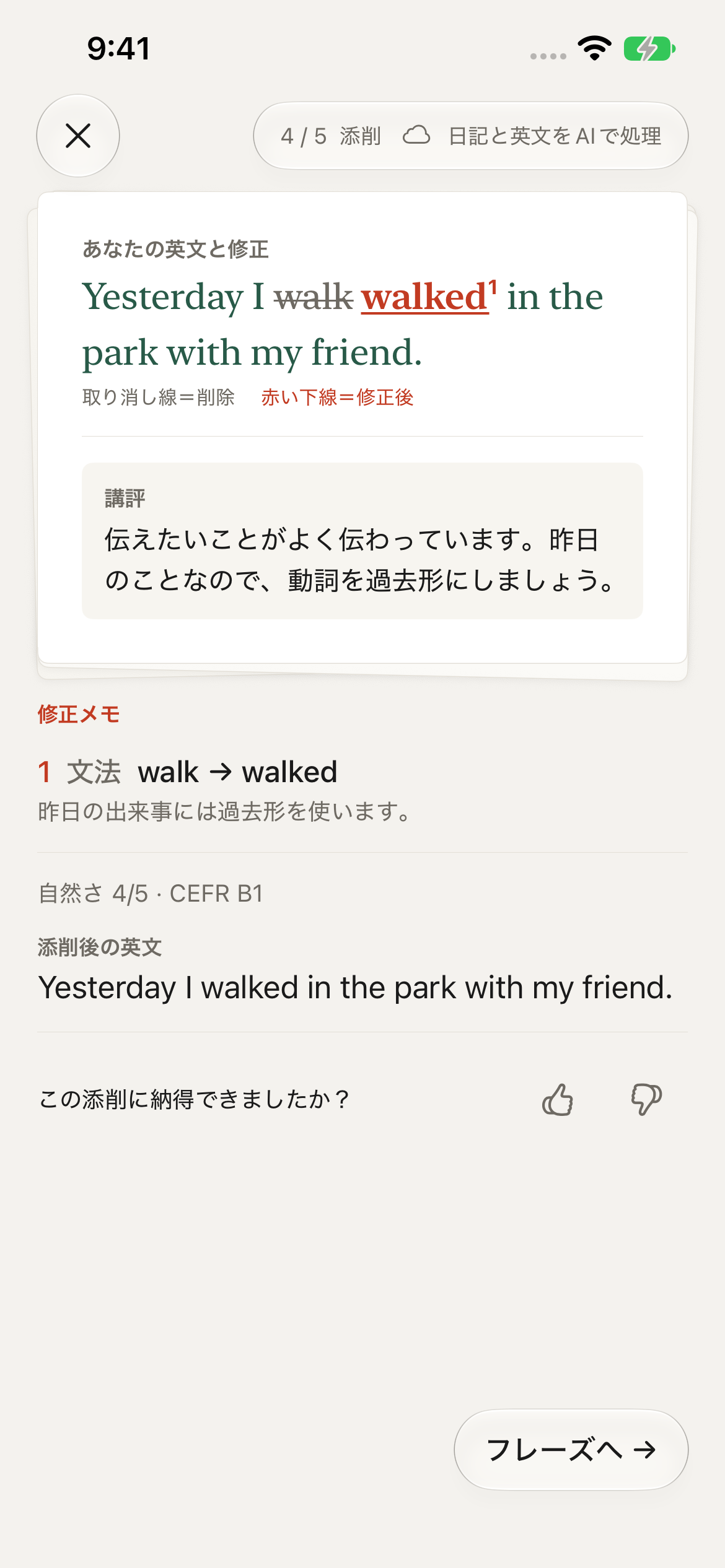
What I Wanted to Say (WIWS) — Read corrections and explanations in Japanese
02Read corrections and explanations in Japanese
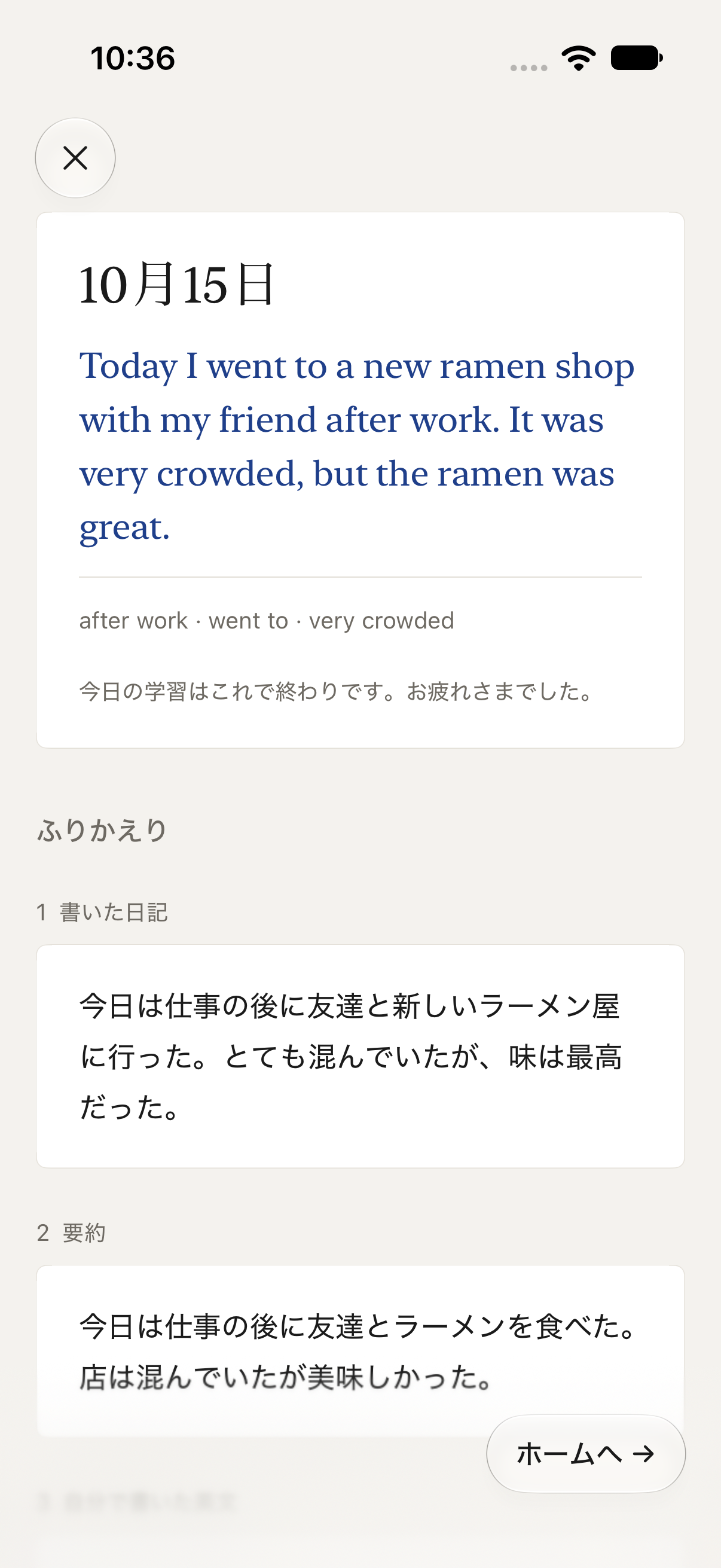
What I Wanted to Say (WIWS) — Review today’s English and phrases
03Review today’s English and phrases

Actual development-build screenshots with sample diaries, shown in Japanese. Select an image to enlarge it. The interface may change before release.

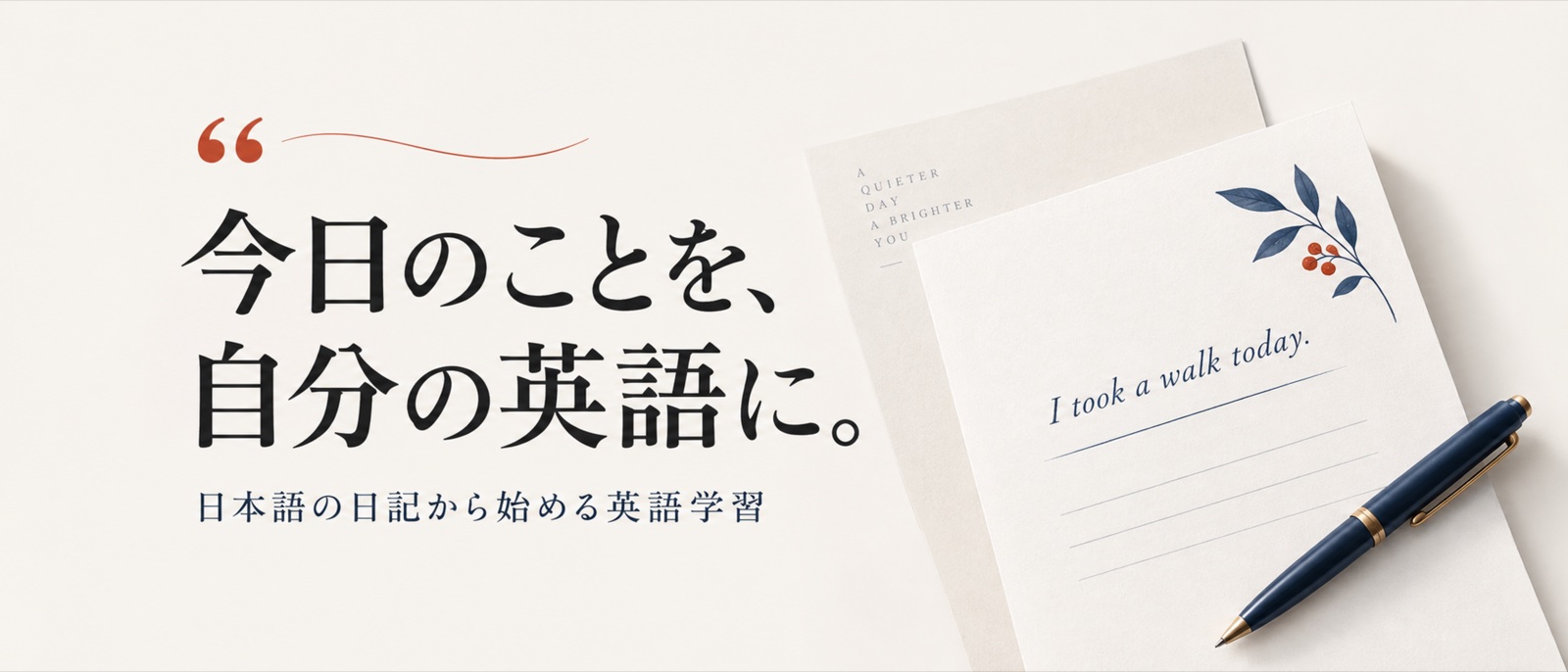
Turn what you wanted to say into your own English.
Promotional artwork for WIWS, not an app screenshot. The artwork is in Japanese.

In-app language

Japanese interface; English learning

The app’s guidance and correction explanations are in Japanese. English and Chinese website editions do not indicate in-app language support.

This page is available in: 日本語 / English / 简体中文

A few useful answers

When can I download it?

WIWS is currently under App Store review. A download link will be added after release.

Does AI write the English for me?

You write your own English first, then review AI corrections. Vocabulary hints are available depending on your device and plan.

Is there a free option?

The planned trial includes one diary per day for four days from your first entry, with no automatic charge. Pro and Max are paid plans for continued use. Check the app for launch terms.

Does my diary leave my device?

Diaries are stored locally or in your optional iCloud Drive. AI processing may send diary text or English writing to cloud AI. Some features can use Apple’s on-device AI on supported devices. Availability depends on your device, connection, and plan.

Data & privacy

Diaries are stored on your device, with optional iCloud Drive sync. AI features may send diary text or English writing to cloud AI. The app shows where processing takes place.

Information checked:
Currently in App Store review. A release date has not been announced.